Why are multiple alert types needed on an industrial smart helmet?
Different alerts address different situations, so a single emergency button cannot cover every worker safety scenario.
A worker who is conscious and able to respond may actively request assistance through SOS. In another situation, a worker may fall, suffer a strong impact, remove the helmet or remain inactive for an unusually long period. These conditions require different detection and response logic.
For industrial buyers, the value is not simply having more alarms. The important question is whether each alert supports a clear personnel safety management workflow from field event to management response.
- SOS supports active emergency requests from the worker.
- Fall or impact alerts can help the management side identify selected abnormal physical events.
- Helmet-removal alerts can support PPE-wearing management.
- Inactivity alerts can highlight workers who remain without detected movement for an extended period.
- The management platform can provide a central location for reviewing and handling configured alert events.
How does an SOS alert work?
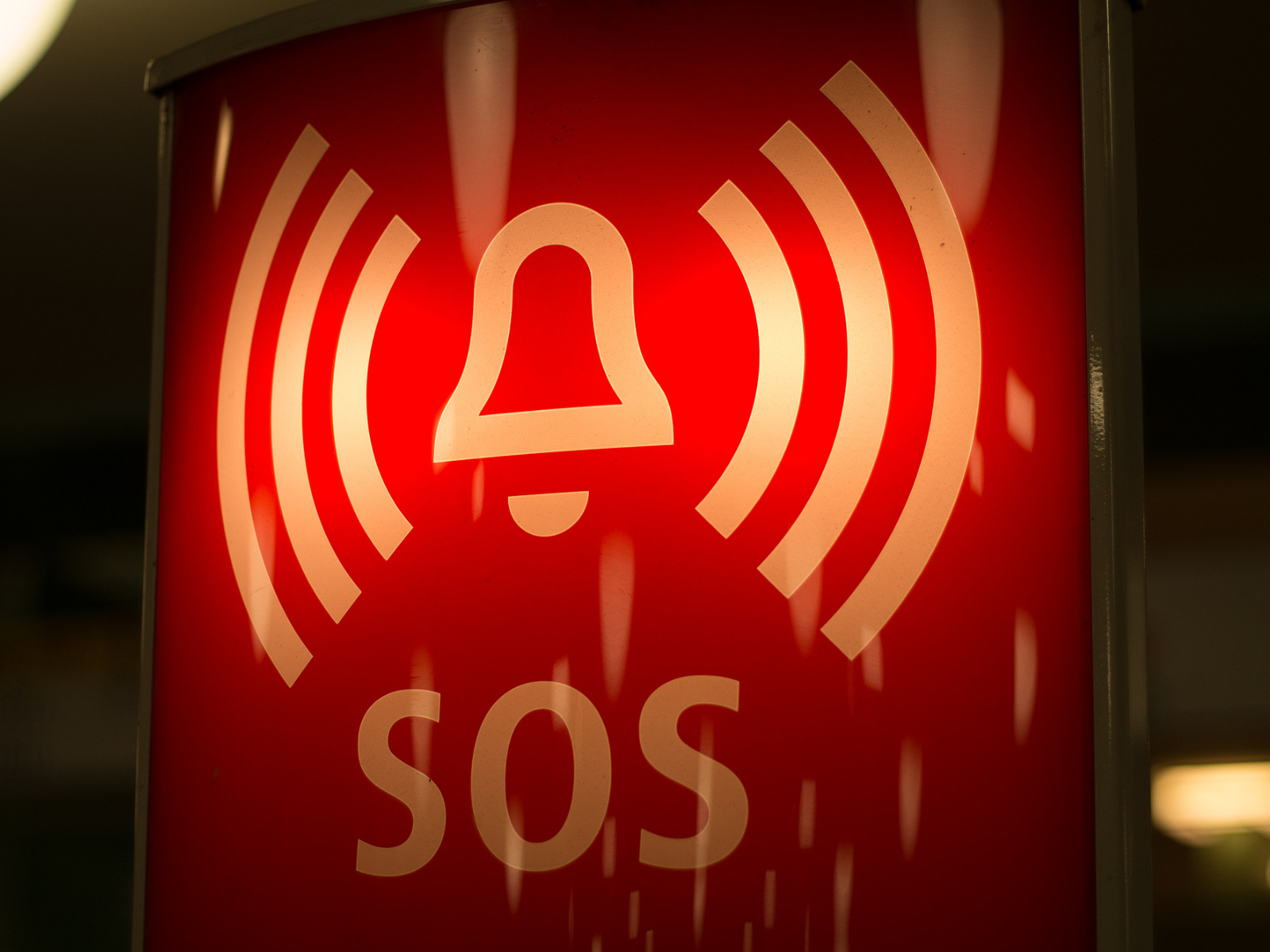
An SOS alert is primarily a worker-initiated emergency function rather than an automatic event-detection function.
When a worker encounters danger or requires assistance, the smart helmet can provide a dedicated SOS operation according to the selected product design. Once activated, the emergency event can be transmitted through the configured communication system so that the management side can identify and respond to the request.
For project deployment, buyers should confirm what information accompanies the SOS event. Depending on the system configuration, this may involve device identity, worker information, location information or communication functions, but these capabilities should be verified for the selected model and platform.
How does a fall or impact alert work?
A fall or impact alert is intended to notify the management side when the configured system identifies a worker fall or strong impact event.
Current BLUECROWN-DING system materials describe a workflow in which the backend receives an alert when a person falls or experiences a strong impact. The materials do not specify the sensor type, detection algorithm or trigger threshold, so these technical details should be confirmed during project evaluation.
Industrial buyers should pay particular attention to false alarms and missed events. Walking quickly, climbing, vehicle vibration and normal industrial movement can differ significantly between applications, so the selected alert configuration should be tested in the actual working environment.
How does a helmet-removal alert work?
A helmet-removal alert is designed to support helmet-wearing management by identifying a configured condition in which the worker is not wearing the helmet.
Current system materials indicate that the worker side and management side can receive an alert when the helmet is not being worn. The exact detection mechanism is not specified in the available material and should therefore be confirmed for each product configuration.
This function may be relevant to construction sites, industrial plants, maintenance areas and other locations where project procedures require personnel to keep protective headgear on while remaining inside designated working areas.
What is an inactivity alert?
An inactivity alert is intended to identify an extended period in which the worker remains in one place without the expected movement.
Current system materials describe this function as an alert generated at the helmet and management side when a person remains inactive for a long period. The available information does not define the inactivity duration, sensitivity or trigger rules.
For that reason, buyers should avoid assuming that one default setting is suitable for every application. A maintenance technician working in a fixed position may naturally remain still for longer than a construction worker moving continuously around a site.
How are these four alerts different?
The four alert types differ mainly in who initiates the event and what working condition the system is intended to identify.
- SOS alert: initiated manually by the worker when assistance is required.
- Fall or impact alert: generated when the configured system identifies a fall or strong impact condition.
- Helmet-removal alert: generated when the configured system identifies that the helmet is not being worn.
- Inactivity alert: generated when the configured system identifies an extended period without expected movement.
These functions should be treated as complementary safety-management tools rather than replacements for emergency procedures, supervision or required personal protective equipment.
Which industrial applications can use these alerts?
Safety alerts are most useful where workers operate independently, across large areas or in locations where supervisors cannot continuously observe personnel.
- Construction: SOS, helmet-removal and selected fall alerts can support distributed site teams.
- Mining: emergency requests and abnormal-status information may support personnel coordination where the selected product is suitable for the environment.
- Power and energy: field technicians may benefit from SOS and abnormal-status alerts during remote inspection and maintenance.
- Industrial plants: alerts can be combined with personnel management for maintenance and restricted work areas.
- Ports and infrastructure: dispersed workers can be connected with a centralized management team.
- Emergency operations: manual emergency calls and personnel-status information can support field coordination.
How should buyers select the required alert functions?
The correct approach is to select alerts according to the site's actual risk and operating workflow rather than enabling every available function.
- Identify the work scenario: Define the industry, work activity and typical worker movement.
- Define the event to detect: Determine whether the priority is emergency calling, fall events, PPE-wearing management or inactivity monitoring.
- Confirm model support: Ask which helmet models support each function and whether it is standard, optional or project-specific.
- Verify trigger logic: Request confirmed information about sensors, thresholds and configurable parameters where available.
- Review platform handling: Confirm how alerts appear, who receives them and how events are acknowledged or recorded.
- Test the real environment: Evaluate normal worker movement and potential false alarms before bulk deployment.
- Define responsibility: Establish who responds to each alert and what the next action should be.
What should be included in the project procurement checklist?
A written checklist helps distributors, contractors, end users and system integrators define the alert workflow before sample approval and bulk procurement.
- Application industry and project country
- Product model and estimated purchase quantity
- Required SOS, fall, helmet-removal and inactivity functions
- Standard, optional and customized function status
- Trigger logic and configurable parameters
- Required worker identity and positioning information
- Alarm transmission and network requirements
- Platform notification and event-record requirements
- User roles and alert-access permissions
- Cloud, private deployment or system integration requirements
- Sample-testing scenarios and acceptance criteria
- Installation, training and after-sales support requirements
How should buyers evaluate a smart helmet supplier?
A suitable supplier should be able to explain how an alert is generated, transmitted and handled instead of simply listing an alarm name in a brochure.
- Request a model-by-model alert function matrix.
- Ask whether each function is standard, optional or project-specific.
- Request a real platform demonstration of the alert workflow.
- Confirm what information is displayed when an alert occurs.
- Ask whether alert parameters can be configured for different work scenarios.
- Test false-alarm behavior in representative field activities.
- Confirm system integration requirements if alerts must enter another management platform.
- Document project-specific functions before bulk supply.
What should be considered during deployment and platform integration?
An effective alarm system requires both technical configuration and a clear organizational response process.
The project team should define who receives each type of alert, whether different departments require different permissions and how an alert is acknowledged, escalated and closed. If worker positioning is available, the project should also determine whether location information needs to appear with the alarm event.
If the smart helmet platform must connect with an existing safety, dispatch or workforce-management system, the buyer and supplier should define alert fields, event status, interface requirements and deployment responsibilities before integration begins.
A pilot deployment should include normal activities as well as controlled test scenarios so that the project team can evaluate usability and adjust the configuration before wider installation.
Frequently asked questions
Are SOS, fall, helmet-removal and inactivity alerts standard on every model?
Not necessarily. BLUECROWN-DING treats these functions as model- and project-dependent capabilities. The exact configuration should be confirmed before quotation.
Is an SOS alert automatic?
No. SOS is primarily a manual emergency-request function initiated by the worker. Automatic alerts such as fall or inactivity monitoring operate differently.
How long must a worker remain still before an inactivity alert is triggered?
The current product materials do not provide a confirmed trigger duration. The applicable threshold or configurable logic should be verified for the selected system.
What triggers a fall alert?
Current materials describe an alert when a worker falls or experiences a strong impact, but they do not specify the exact sensor, algorithm or trigger threshold.
Can alert information connect with another management platform?
System integration can be evaluated according to the project, but alert fields, interface scope, deployment environment and access requirements must be defined before development.
Discuss your worker safety alert requirements with BLUECROWN-DING
BLUECROWN-DING provides industrial smart wearable equipment and personnel safety management solutions for distributors, engineering contractors, mining companies, energy operators, system integrators and project buyers.
You can review the product range, explore industrial solutions or submit your project requirements.
For an initial project evaluation, please provide your application industry, project country, expected quantity, required alert functions, worker operating conditions, network environment and platform integration requirements.
Start with the site, then choose the configuration.
You do not need every detail on day one. Clarify the worksite, team size, network conditions and management goals first. The right configuration will be much easier to define.
- 01Describe the actual worksite and who will use the equipment
- 02Test coverage, fit and device performance on site
- 03Decide who receives alerts and who owns the response
- 04Confirm the final model, enabled features and delivery documents
This article provides a project selection and deployment method. Final configuration, specifications and applicable documents remain subject to project confirmation.