Noise, heat, dust, restricted zones and overlapping teams can shape the workflow differently across one plant. The solution has to fit the exact area and task instead of assuming one setup works everywhere.
5G INDUSTRIAL SAFETY / GLOBAL PROJECT SUPPORTPROJECT SUPPORT & GLOBAL DELIVERY
 CHANGZHOU BLUEGUANDING TRADING CO., LTD.BLUEGUANDING · AF-KANGMUAF-KANGMU INDUSTRIAL INTELLIGENT SAFETY EQUIPMENT
04
Cement & Steel
Keep crews connected and critical field context moving across large, complex production plants.
DISCUSS YOUR PLANT WORKFLOW↗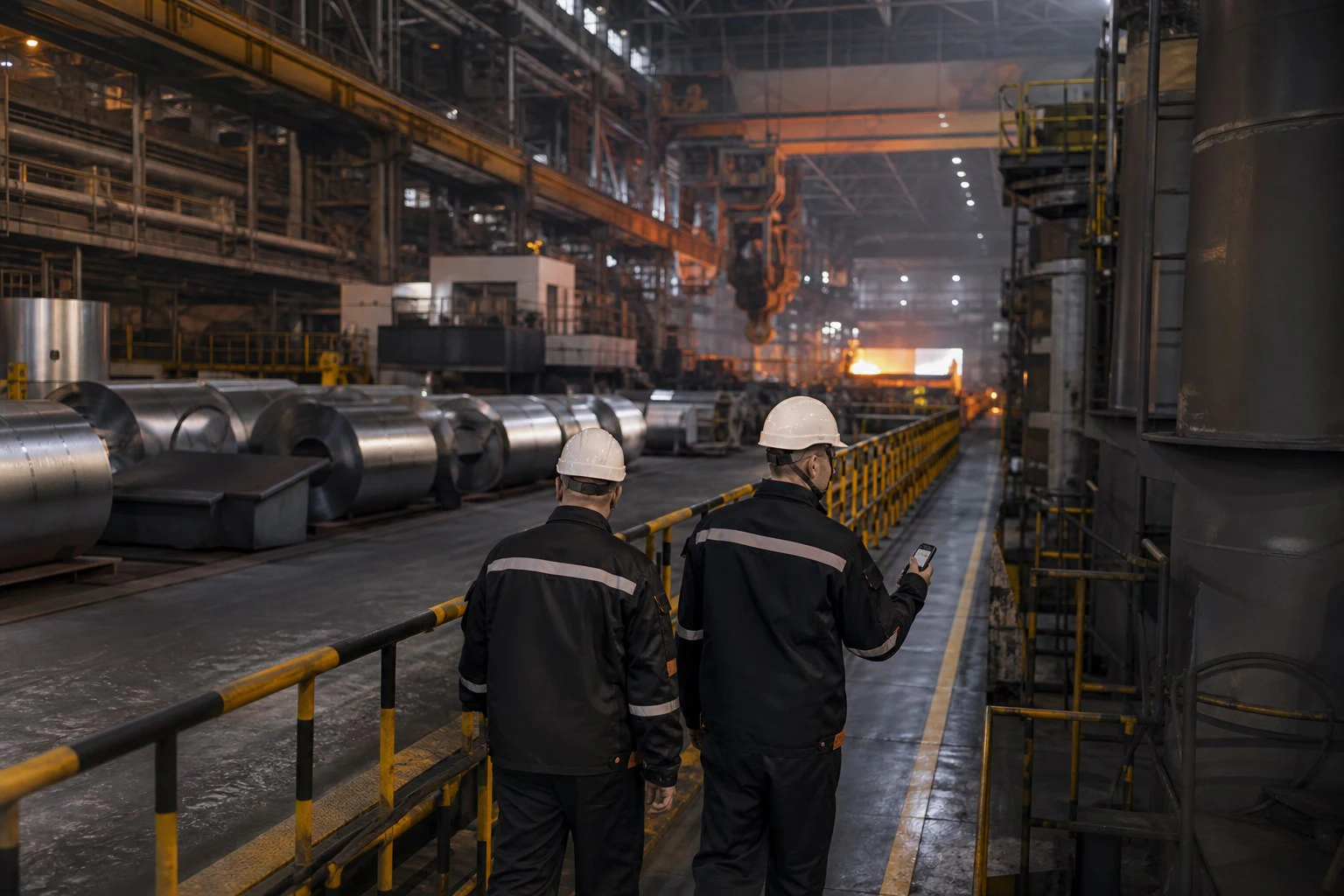
THREE THINGS THAT MATTER
01Communicate in demanding areas
02Coordinate zones and shifts
03Keep context with abnormal events
START WITH THE PRODUCTION ZONE
A SETUP THAT WORKS IN THE YARD MAY NOT WORK BESIDE THE LINE.
A cement or steel plant contains very different operating conditions within one perimeter. Communication, optional sensing and response rules should be confirmed zone by zone, not copied from a generic plant checklist.
NOISE CHANGES COMMUNICATION
Near production equipment, teams may not communicate the same way they do in a quiet area. Test the chosen method where it will actually be used.
HEAT, DUST AND EQUIPMENT SHAPE THE SETUP
Environmental conditions affect device selection, wearing and optional modules. Suitability has to be confirmed for the exact zone and task.
RESTRICTED AREAS NEED CLEAR RULES
Define who may enter, what information is used and how configured alerts are handled before the workflow goes live.
SHIFT HANDOVERS CAN LOSE CONTEXT
When several teams share one production area, keep the key observation, available field context and follow-up result together.
HOW THE WORKFLOW CONNECTS
LINK THE WORKER, THE ZONE AND THE CONTROL ROOM.
Build the information path around the real production area, verified connectivity and the people responsible for safety and operations.
Frontline operations
Workers use the selected helmet configuration for communication, reporting and the agreed task in each production zone.
Network & sensing
Coverage and selected sensing modules are tested against the actual environment, task and equipment compatibility.
Control room & safety
The control room and safety team receive the field information they need and follow the agreed response and handover process.
A SHIFT IN THE PLANT
FROM SHIFT START TO ABNORMAL EVENT, KEEP THE HANDOFF CLEAR.
The system should support the rhythm of production: quick checks before work, simple communication during the shift and a clear path when something needs attention.
SHIFT START
Confirm the user, device status, team, production zone and the workflow assigned to that area.
ZONE OPERATIONS
Use the communication and selected modules already validated for the local environment and task.
ABNORMAL CONDITION
Send the available field context to the designated control-room or safety role when an issue needs attention.
HANDOVER & REVIEW
Keep the observation, response and outcome together so the next shift can continue without rebuilding the event.
WHERE TO START01 02 03 04 VIEW MULTI-FUNCTION SMART HELMET↗
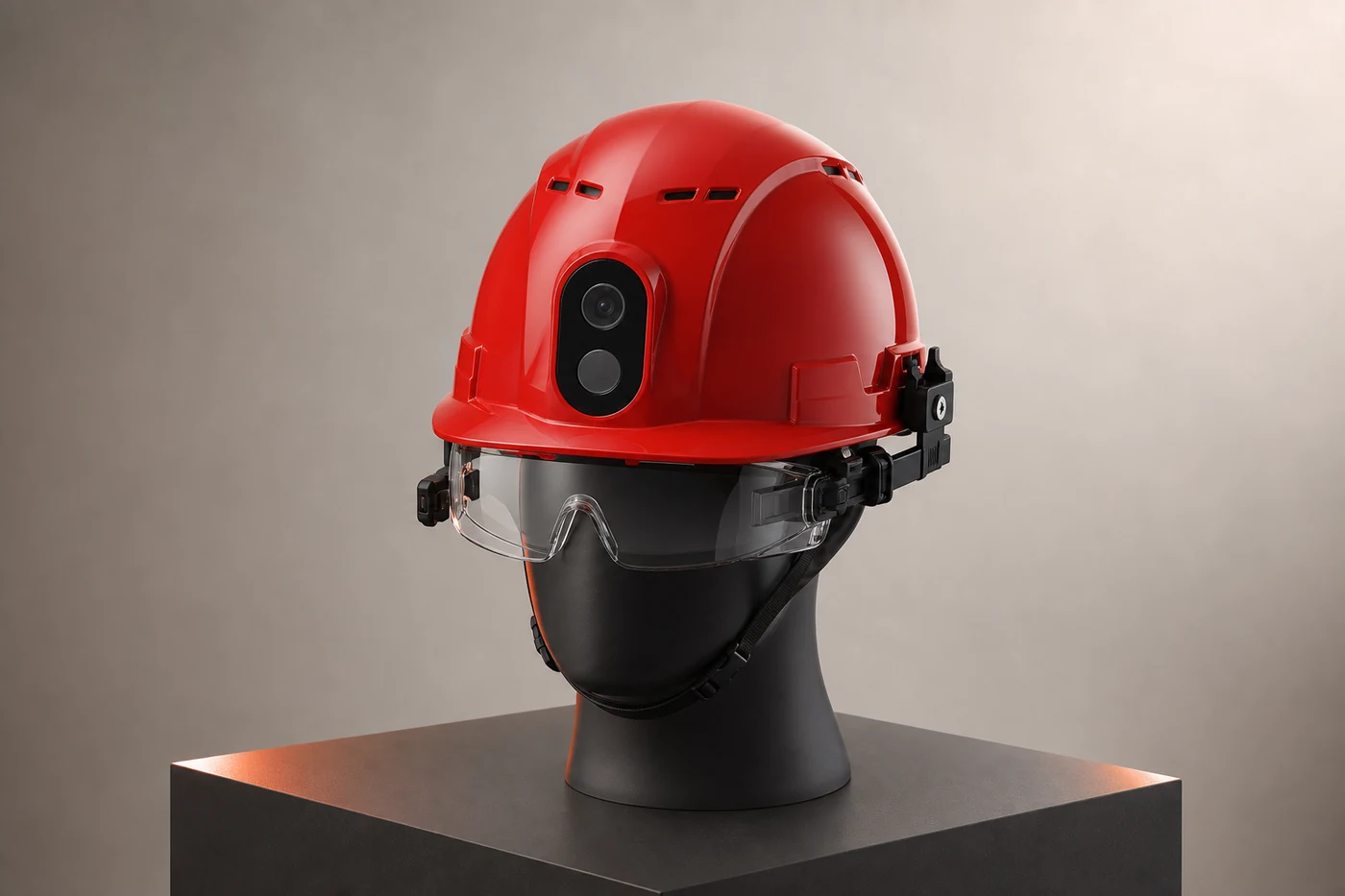
MULTI-FUNCTION SMART HELMET FOR CONFIGURED PLANT WORKFLOWS.
For plants that need selected sensing or additional field modules, the multi-function smart helmet provides an expandable starting architecture. The final module list, compatibility, rules and applicable documents must be confirmed for the exact model, area and project.
START WITH THE ZONE RISK
Choose communication and sensing needs from the real production area instead of applying one feature package plant-wide.
ADD ONLY VALIDATED SIGNALS
Confirm the selected module, mounting, power and platform behavior through a controlled field test.
KEEP EVENTS IN ONE PATH
Bring configured device events and available field context into the response process already owned by the plant.
EXPAND AFTER THE FIRST WORKFLOW WORKS
Use evidence from one zone and one shift to adjust the configuration before adding more teams.
HOW TO PILOT
START WITH ONE ZONE, ONE SHIFT AND ONE REAL TASK.
Prove that the team can use it and the control room can respond before extending the plan across the plant.
CHOOSE THE FIRST ZONE
Select a representative area with a clear task, team and reason for improvement.
WALK THE ENVIRONMENT
Review noise, heat, dust, routes, network conditions, restrictions and the existing handover method.
TEST THE SELECTED CONFIGURATION
Validate wearing, communication, selected modules, operating time and event handling in context.
ALIGN THE NEXT SHIFT
Confirm roles, records, training and acceptance criteria, then decide whether and where to expand.
PROJECT INQUIRY
BUILD THE CONFIGURATION AROUND YOUR SITE.
Share the country, industry, team size and required workflow. We will identify the right starting architecture before quotation.
START A PROJECT↗