A construction site can change between one shift and the next. The solution has to move with crews, work zones and build phases without adding another layer of work.
5G INDUSTRIAL SAFETY / GLOBAL PROJECT SUPPORTPROJECT SUPPORT & GLOBAL DELIVERY
 CHANGZHOU BLUEGUANDING TRADING CO., LTD.BLUEGUANDING · AF-KANGMUAF-KANGMU INDUSTRIAL INTELLIGENT SAFETY EQUIPMENT
02
Construction
Keep fast-moving crews, supervisors and the project office working from the same field picture.
DISCUSS YOUR SITE↗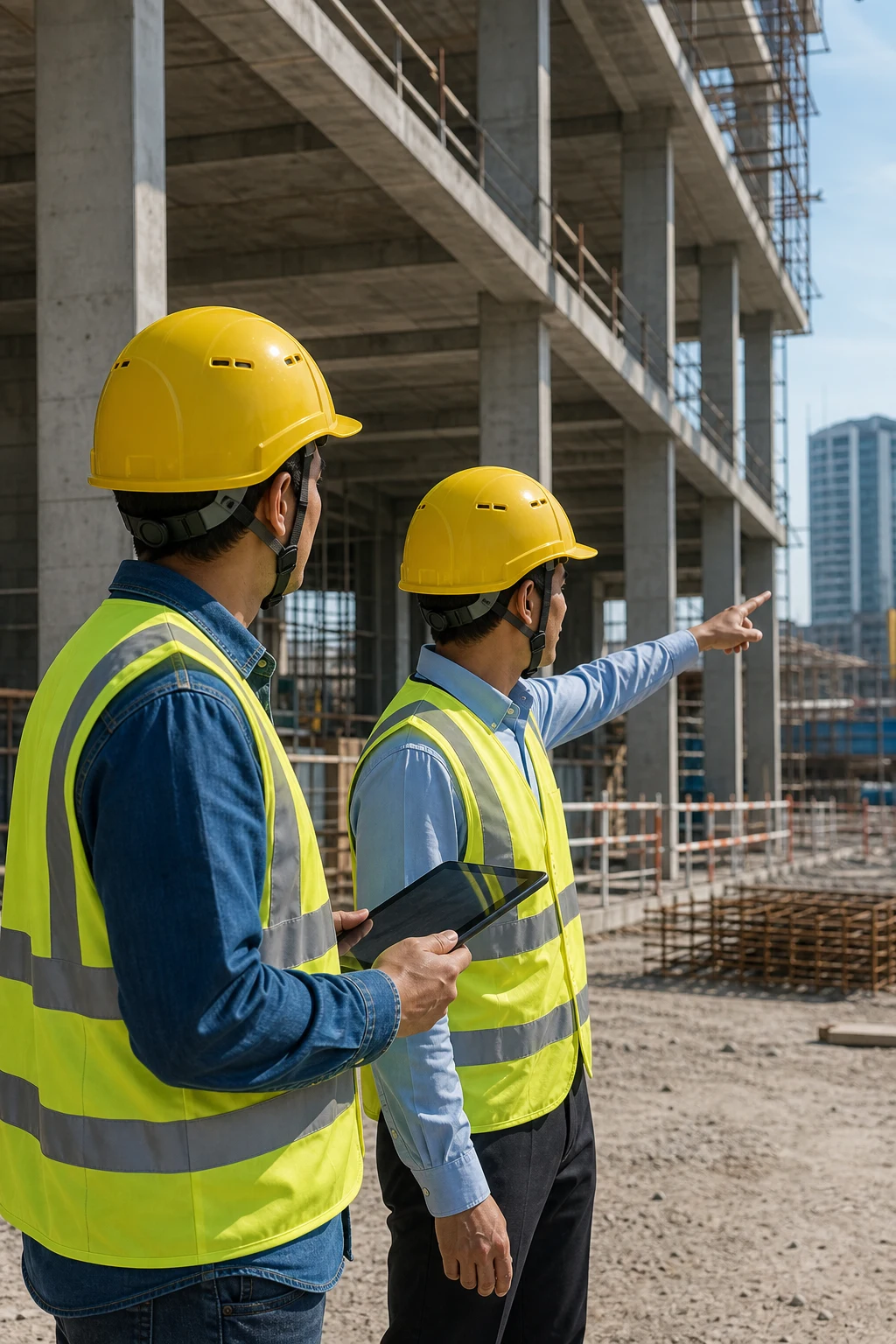
THREE THINGS THAT MATTER
01See the site remotely
02Keep teams connected
03Keep useful event evidence
START WITH THE WORKDAY
A USEFUL SYSTEM HAS TO KEEP UP WITH THE SITE.
Crews move, workfaces shift and the building itself changes the communication environment. The project should follow that rhythm instead of forcing the site into a fixed technology plan.
CREWS RARELY STAY IN ONE PLACE
Subcontractors, supervisors and work zones change throughout the project. Team and device assignments need to remain simple to update.
SUPERVISORS CANNOT BE EVERYWHERE
When a decision cannot wait, configured video or images can bring the field situation to the project team before someone travels across the site.
COVERAGE CHANGES BY ZONE
Basements, concrete structures, temporary facilities and outdoor areas do not share one signal condition. Test the actual routes and workfaces.
IMPORTANT RECORDS GET SCATTERED
Keep agreed event details, available media and follow-up notes in a defined workflow instead of leaving them across calls and chat groups.
HOW THE WORKFLOW CONNECTS
PUT THE FIELD PICTURE WHERE DECISIONS ARE MADE.
Connect crews, verified site coverage and the project team so useful information reaches the person who can act on it.
Field crews
Workers use the selected helmet configuration for communication, field reporting and configured safety events.
Site connectivity
Coverage and media upload are tested in the actual work zones before they become part of the daily workflow.
Project control
Supervisors and the project office receive the right field context and follow the agreed response process.
A DAY ON SITE
FROM MORNING BRIEFING TO ISSUE CLOSEOUT.
The best workflow fits the way the site already operates. It adds useful context at key moments without asking crews to repeat the same report in several places.
MORNING CHECK
Confirm the user, device status, team assignment and planned work zone before the shift begins.
CREW COORDINATION
Use the communication method verified for that zone; configured location and status information can support dispatch.
REMOTE SUPPORT
When an issue needs another pair of eyes, send available voice, images or video to the designated supervisor or specialist.
FOLLOW-UP & RECORD
Document the key context and outcome so the project team can follow up without rebuilding the story from scratch.
WHERE TO START01 02 03 04 VIEW VIDEO COMMUNICATION HELMET↗
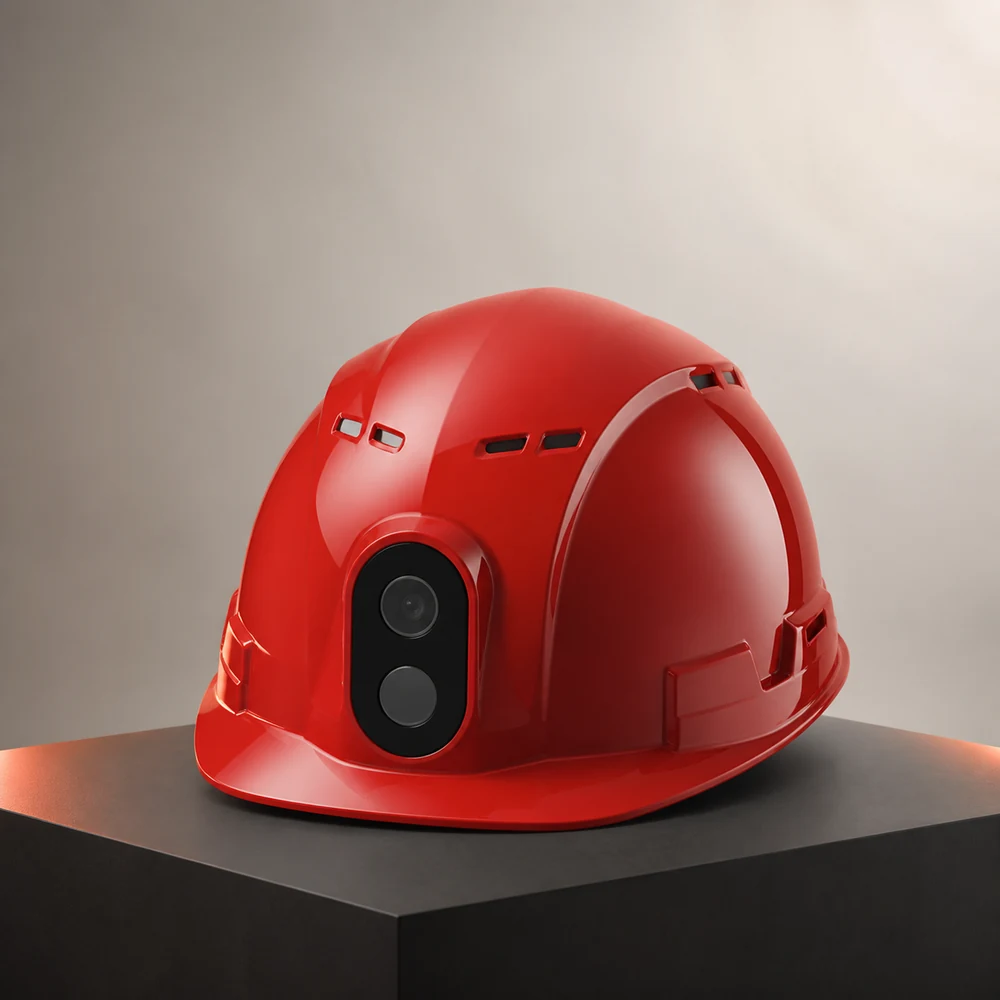
VIDEO COMMUNICATION SMART HELMET FOR SITE COORDINATION.
For projects that prioritize remote visibility and faster coordination, the video communication smart helmet is a practical starting point. Live media, voice, location and SOS functions still need to be confirmed against the selected model, network and site workflow.
SEE BEFORE TRAVELLING
Use configured images or live video to help the project team understand the issue before sending someone across the site.
TALK WITHOUT REACHING FOR A PHONE
Match voice and team communication to the site network and the way crews already coordinate.
ADD LOCATION & SOS WHERE NEEDED
Plan location and emergency reporting around real project needs instead of treating every function as a default.
KEEP CONTEXT WITH THE EVENT
Bring available media and status information into the agreed follow-up process for clearer review.
HOW TO ROLL IT OUT
START WITH ONE CREW, ONE ZONE AND ONE REAL WORKFLOW.
If the pilot makes communication easier and the response process clearer, expand it with the next construction phase.
PICK A USEFUL WORKFLOW
Choose one real need such as remote inspection, field coordination or event follow-up.
TEST IN THE WORKING AREA
Let the actual crew test wearing, communication, media upload, operating time and selected options.
AGREE WHO RESPONDS
Decide who receives field information, who follows up and what should be kept as a project record.
EXPAND WITH THE BUILD
Adjust the configuration from pilot feedback, then add teams and work zones as the project develops.
PROJECT INQUIRY
BUILD THE CONFIGURATION AROUND YOUR SITE.
Share the country, industry, team size and required workflow. We will identify the right starting architecture before quotation.
START A PROJECT↗