Ports and water facilities can stretch across docks, yards, treatment units, pump stations and remote inspection points. The challenge is keeping coverage, team assignments and the next response clear without adding more administrative work.
5G INDUSTRIAL SAFETY / GLOBAL PROJECT SUPPORTPROJECT SUPPORT & GLOBAL DELIVERY
 CHANGZHOU BLUEGUANDING TRADING CO., LTD.BLUEGUANDING · AF-KANGMUAF-KANGMU INDUSTRIAL INTELLIGENT SAFETY EQUIPMENT
05
Ports & Water
Keep crews, dispatchers and control rooms connected across wide, infrastructure-heavy sites.
DISCUSS YOUR WIDE-AREA SITE↗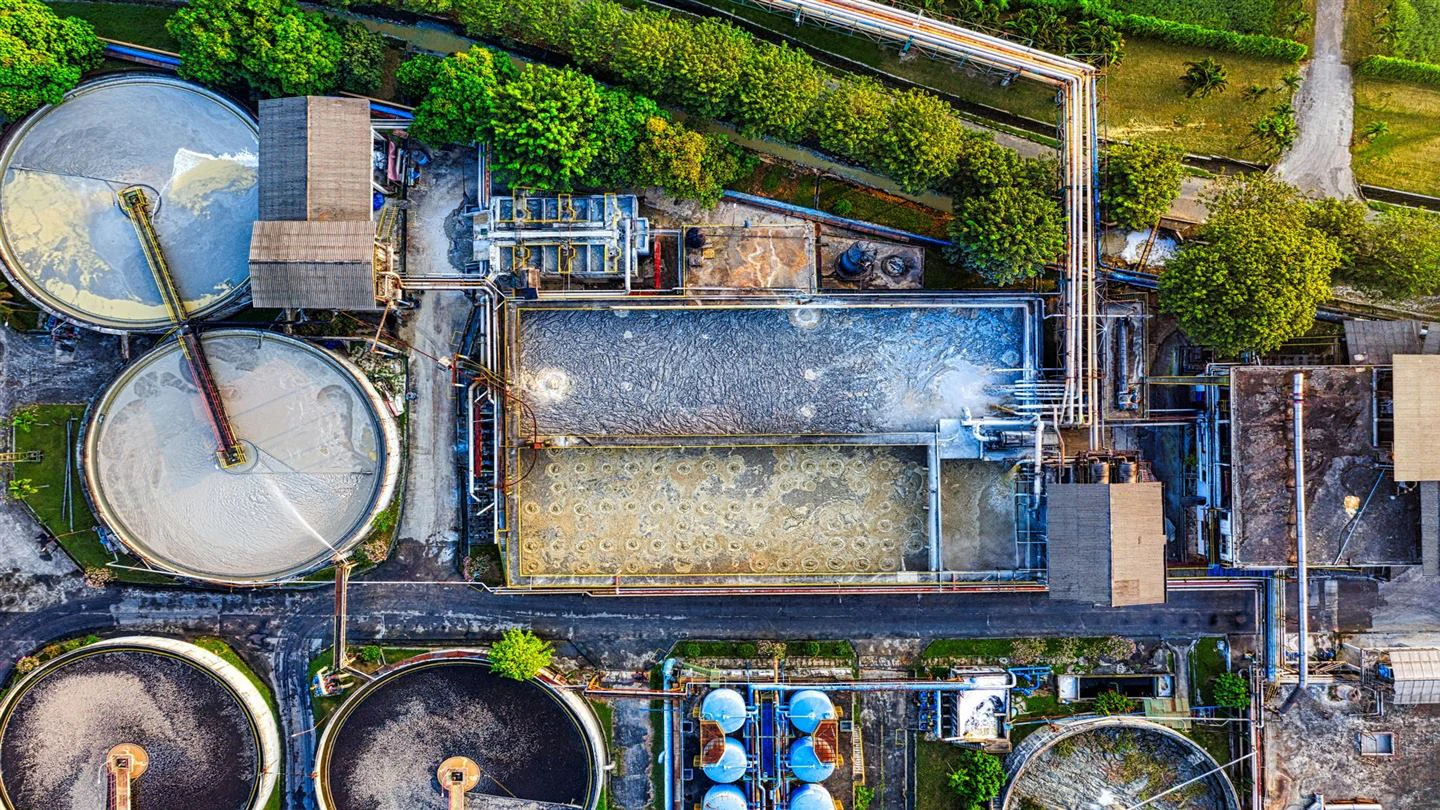
THREE THINGS THAT MATTER
01Reach dispersed crews
02Coordinate across wide areas
03Keep shift devices ready
START WITH THE ACTUAL ROUTE
WHEN THE SITE IS SPREAD OUT, SMALL GAPS CAN BECOME BIG DELAYS.
A port or water facility may span open yards, treatment units, pump stations, underground spaces and remote inspection points. A useful solution makes the handoff between those places simpler, not more complicated.
CREWS WORK FAR APART
People may be separated by long walking or driving distances. The communication method has to match the real route and shift pattern.
COVERAGE CHANGES BETWEEN ZONES
Open docks, equipment-dense areas, indoor rooms and underground structures do not share one network condition. Test each representative zone.
DEVICES MOVE WITH THE SHIFT
When helmets are issued across teams, keep user, device and shift assignments easy to confirm and update.
RESPONSES OFTEN CROSS TEAMS
An issue found by a patrol crew may involve dispatch, maintenance and the control room. Decide who receives it and who follows it through.
HOW THE SITE CONNECTS
CONNECT THE CREW, THE ROUTE AND THE CONTROL ROOM.
Build the workflow around real patrol routes, verified coverage and the people responsible for dispatch and response.
Field crews
Crews use the selected helmet configuration for daily communication, patrol reporting and agreed safety events.
Coverage & location
Communication and positioning methods are tested along actual routes and in the zones where teams work.
Dispatch & control room
Dispatchers or control-room teams receive the field context they need and follow the agreed response and handover process.
A SHIFT ACROSS A WIDE SITE
FROM DEVICE HANDOUT TO EVENT CLOSEOUT, KEEP THE WORKFLOW SIMPLE.
The system should help dispersed teams stay connected without turning routine patrols into another layer of administration.
SHIFT HANDOUT
Confirm the user, device status, team, route and the response role supporting that shift.
PATROL & OPERATIONS
Use the communication and positioning method already verified for the route and work zone.
DISPATCH RESPONSE
When something needs attention, send the available field context to the designated dispatcher, maintenance team or control room.
RETURN & HANDOVER
Record the key outcome, update the device handover and leave the next shift with a clear starting point.
WHERE TO START01 02 03 04 VIEW ESSENTIAL SMART SAFETY HELMET↗
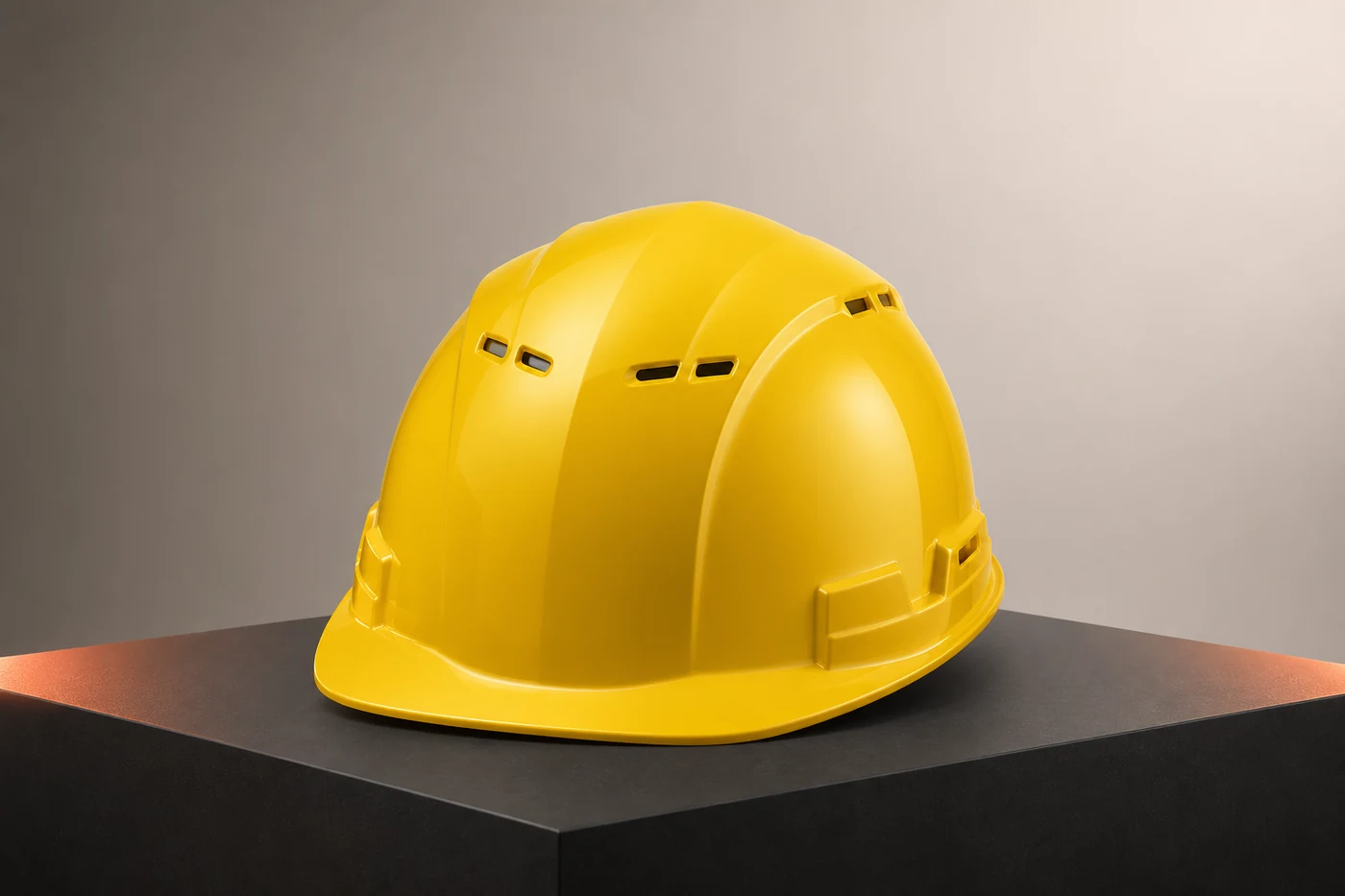
ESSENTIAL SMART SAFETY HELMET FOR PHASED WIDE-AREA DEPLOYMENT.
For projects that first need workable communication, location and team coordination, the essential smart safety helmet offers a streamlined starting architecture. Exact functions, coverage, positioning and platform status fields must be confirmed for the selected model and project.
START WITH COMMUNICATION PEOPLE WILL USE
Match voice and team coordination to the available network and the way crews already work.
PLAN LOCATION AROUND REAL ZONES
Choose positioning and zone rules only after routes, indoor areas and outdoor coverage have been checked.
MAKE SHIFT HANDOUTS CLEAR
Design a simple user and device handover process; any platform status view is confirmed by project configuration.
ADD MORE ONLY AFTER THE PILOT
Use one route and one team to verify what is useful before expanding functions or deployment scope.
HOW TO PILOT
START WITH ONE ROUTE, ONE SHIFT AND ONE RESPONSE PROCESS.
Prove that crews can stay connected and the next role can act before expanding across the whole site.
WALK THE REAL ROUTE
Mark open areas, indoor and underground transitions, weak-signal points, patrol stops and response locations.
PILOT WITH ONE TEAM
Test wearing, communication, selected positioning, operating time and the device handover process.
DEFINE THE NEXT RESPONSE
Confirm who receives field information, who follows up and what should be kept as a record.
EXPAND BY ZONE
Use pilot results to adjust training and configuration, then add routes, teams and functions in stages.
PROJECT INQUIRY
BUILD THE CONFIGURATION AROUND YOUR SITE.
Share the country, industry, team size and required workflow. We will identify the right starting architecture before quotation.
START A PROJECT↗