Linear infrastructure creates a moving worksite. Crews, access points, network conditions and maintenance tasks can change from one job to the next, so dispatch and handoff need more than a location name.
5G INDUSTRIAL SAFETY / GLOBAL PROJECT SUPPORTPROJECT SUPPORT & GLOBAL DELIVERY
 CHANGZHOU BLUEGUANDING TRADING CO., LTD.BLUEGUANDING · AF-KANGMUAF-KANGMU INDUSTRIAL INTELLIGENT SAFETY EQUIPMENT
06
Rail & Telecom
Keep mobile maintenance teams connected as work moves along rail corridors and distributed telecom infrastructure.
DISCUSS YOUR MAINTENANCE ROUTE↗
THREE THINGS THAT MATTER
01Match crews to work points
02Reach mobile maintenance teams
03Handover with field context
START WITH THE ACTUAL CORRIDOR
WHEN WORK MOVES ALONG THE LINE, THE CONTEXT HAS TO MOVE WITH IT.
Rail and telecom teams rarely work at one fixed site. The practical challenge is keeping each person, access point, task and result connected as the crew moves to the next job.
A WORK POINT IS MORE THAN A PLACE NAME
A station, section or tower label may still cover a large area. Define the access point, work zone or checkpoint that actually matters to dispatch.
CREWS AND TASKS KEEP MOVING
Team assignments, vehicles and maintenance orders can change during the day. The workflow needs to remain easy to update.
COVERAGE HAS GAPS ALONG THE ROUTE
Tunnels, cuttings, equipment rooms, remote corridors and open sections do not share one network condition. Test representative points along the line.
FIELD EVIDENCE CAN LOSE ITS JOB CONTEXT
Images and notes are less useful when separated from the work point and task. Keep the agreed field record attached to a clear handoff.
HOW THE JOB STAYS CONNECTED
KEEP THE CREW, THE WORK POINT AND THE JOB IN THE SAME PICTURE.
Connect mobile teams, a verified positioning plan and dispatch so every handoff carries the place, task and field context needed for the next decision.
Mobile crew
Teams use the selected helmet configuration for communication, field reporting and the assigned maintenance task.
Route & position
Communication and positioning methods are validated along the actual corridor, access points and work zones.
Dispatch & handoff
Dispatch receives the field context needed to coordinate the job and pass a clear result to the next role.
A MAINTENANCE JOB IN MOTION
FROM DISPATCH TO CLOSEOUT, KEEP EVERY JOB TIED TO ITS PLACE, CREW AND RESULT.
The system should make mobile work easier to coordinate, not ask technicians to repeat the same location and job story at every handoff.
DISPATCH ASSIGNMENT
Confirm the crew, task, route, access point and the person responsible for remote support or acceptance.
ARRIVAL & WORK POINT
Use the positioning and communication method already validated for that section to confirm the working context.
FIELD COORDINATION
Send available voice, images or other agreed information when dispatch or a specialist needs more context.
CLOSEOUT & HANDOFF
Keep the work point, observation, action and result together before the crew moves to the next task.
WHERE TO START01 02 03 04 VIEW POSITIONING SMART HELMET↗
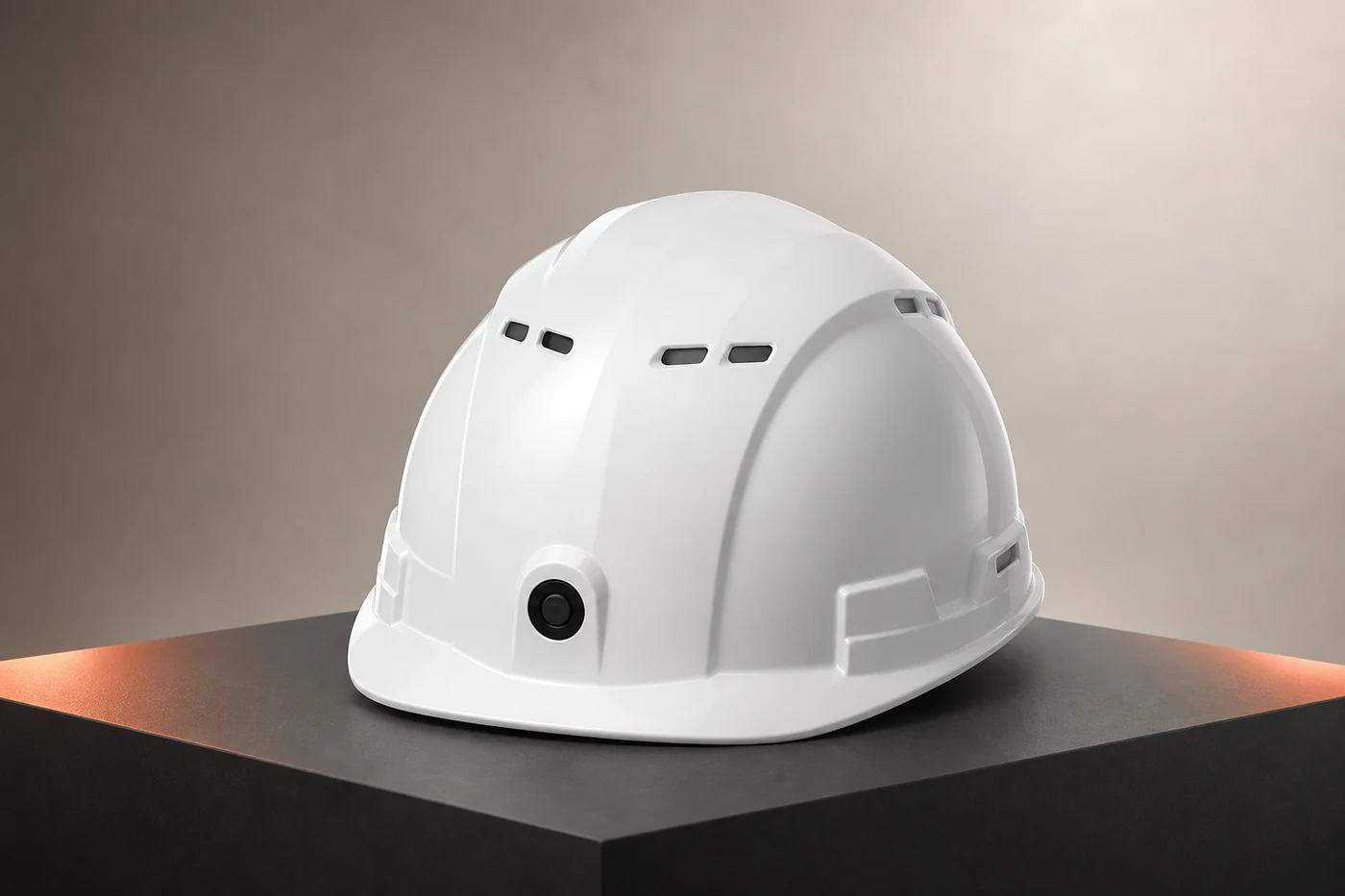
PRECISION POSITIONING SMART HELMET FOR ROUTE AND ZONE WORKFLOWS.
For projects that need clearer work-point, zone or movement context, the positioning-focused smart helmet provides a practical starting architecture. GPS, local positioning, checkpoints, geofencing and actual precision must be confirmed against the selected model, network and route.
CHOOSE POSITIONING BY ENVIRONMENT
Use the method that fits each corridor, indoor area, tunnel or open section instead of relying on one technology everywhere.
DEFINE ZONES THAT HELP THE JOB
Set work areas and checkpoints around real dispatch and access-control needs, not around a generic map.
ADD RULES AFTER THE WORKFLOW IS CLEAR
Configure zone alerts or geofencing only after the positioning plan and response role have been agreed.
REVIEW MOVEMENT WITH JOB CONTEXT
Use available platform records to support handoff and review, subject to the confirmed project configuration.
HOW TO PILOT
START WITH ONE ROUTE, ONE TASK AND ONE DISPATCH LOOP.
Prove that the work point is clear and the handoff is useful before adding more corridors and teams.
MAP THE MAINTENANCE ROUTE
Mark access points, tunnels or indoor areas, weak-signal sections, work zones and dispatch handoff points.
TEST THE POSITIONING PLAN
Compare the selected positioning method with the accuracy and update needs of the real task.
RUN ONE JOB END TO END
Validate wearing, communication, media upload, operating time and the dispatch handoff in context.
EXPAND AFTER CLOSEOUT WORKS
Confirm records, permissions, training and acceptance criteria, then add routes and teams in stages.
PROJECT INQUIRY
BUILD THE CONFIGURATION AROUND YOUR SITE.
Share the country, industry, team size and required workflow. We will identify the right starting architecture before quotation.
START A PROJECT↗